
Golf swing video, one clip per swing.
Lines, a shot tracer and slow motion, on your iPhone.
$9.99 once. No subscription. No account.
How it works
From range video to a swing you understand
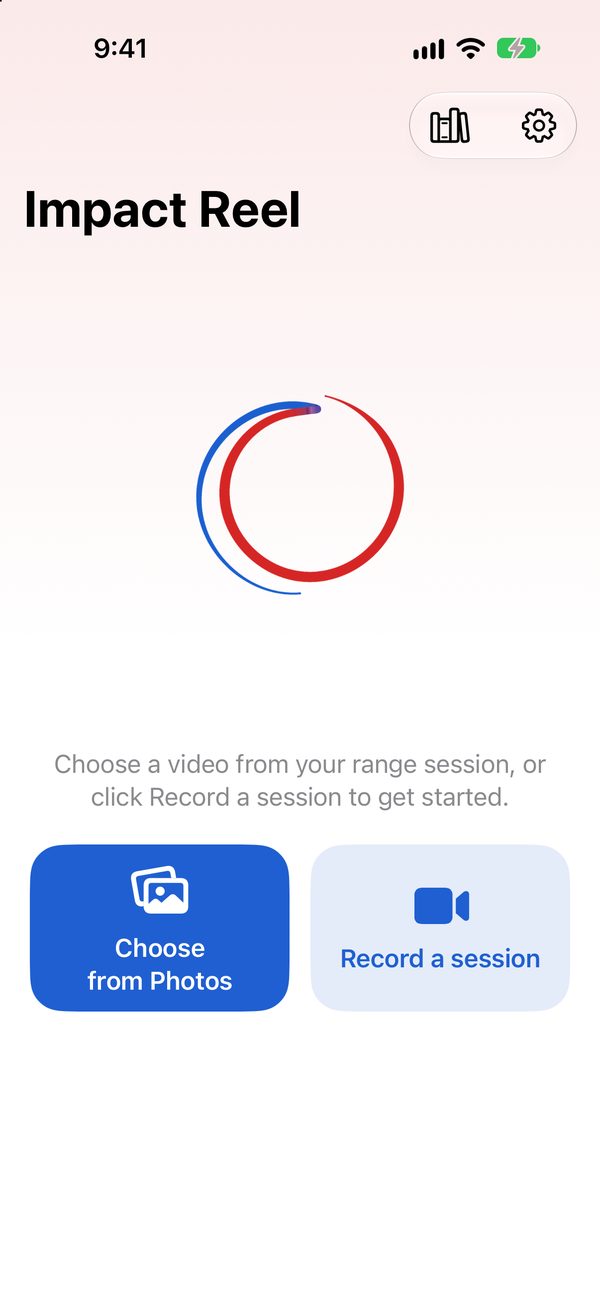
Capture
Choose a range video from Photos, or film your session in the app with Record a session, at the highest frame rate your iPhone offers.
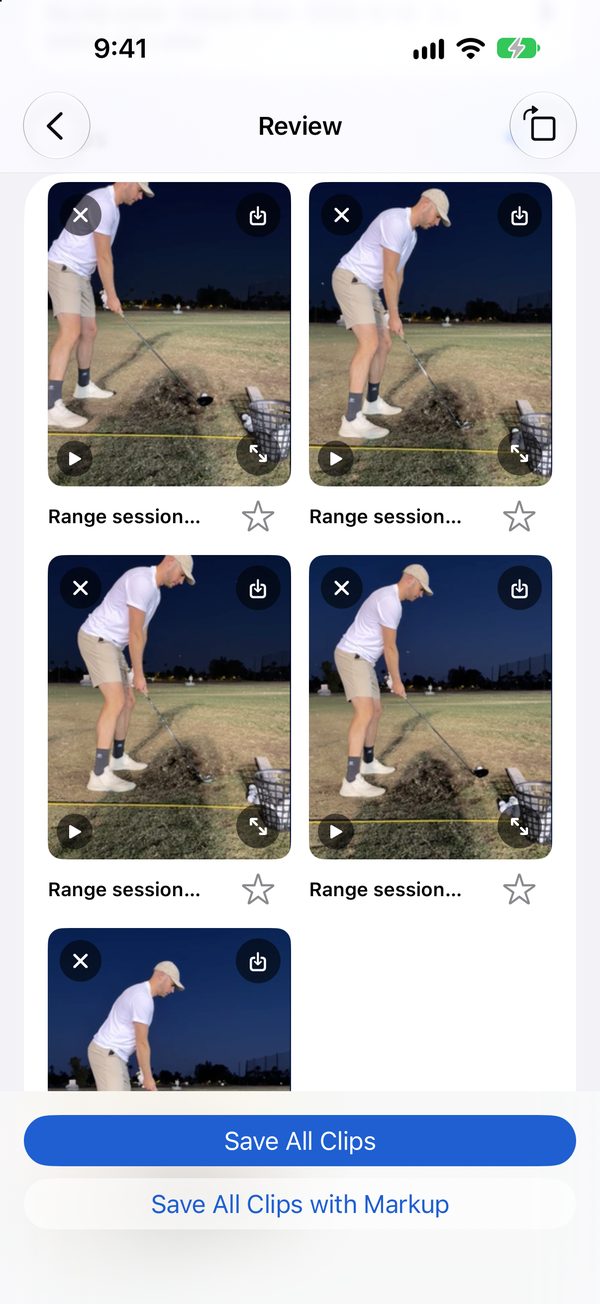
Cut
Impact Reel hears each ball strike, checks the picture for your swing, and cuts a clip around it. You review every clip.
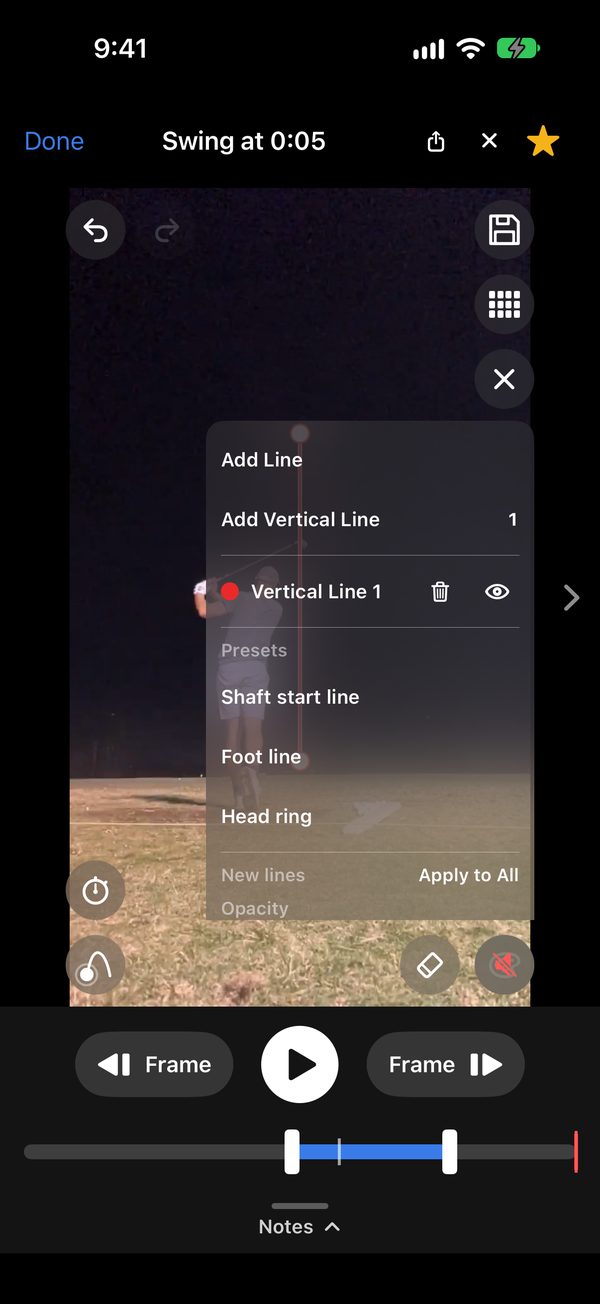
Mark up
Add lines, a head ring and a shot tracer.
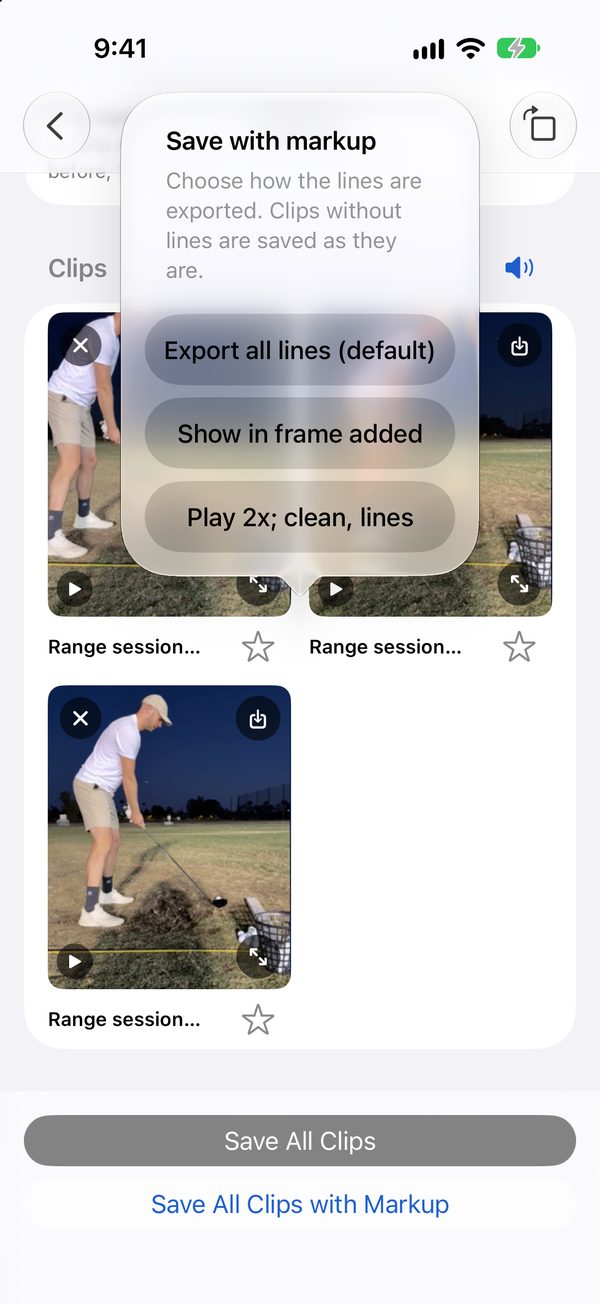
Save and share
Save to Photos, or share a clip straight from the player.


Features
Built for deliberate practice

Tracers and slow motion
Shot tracers, slow motion, frame-by-frame steps, and a replay that plays clean and then again with the lines.

Lines and head ring
Start line, foot line, head ring, a vertical line and lines of your own, with adjustable color, width and line ends.

Swing Sequence
Twelve pictures of one swing, from address to finish, saved as twelve photos or one square image.

Swing changes
Keep notes on any swing and star the ones worth keeping while you work on a change.
Lossless clips
A plain clip is cut straight from your original video with no re-encoding, so quality and resolution are untouched.
Teach golf? Mark up a student's swing and send it in about a minute →
Price
One price. Once.
Swing video apps often charge $10 to $20 a month. Impact Reel is $9.99, once: about the price of a bucket of balls. Every feature is included, and there is nothing else to buy. See every golf swing video app you can buy once, with what each one does.
Privacy
Your videos stay on your iPhone
No sign-up, no ads, no tracking. A clip leaves your phone only when you share it.
Who makes it
Who makes Impact Reel

“I film my range sessions, and I got tired of scrubbing through twenty minutes of video to find the swings worth a second look. Impact Reel finds them, cuts them, and lets me draw the lines my coach would draw.”
Austin Ambrose, founder · Cowboy Capital LLC, Arizona
Questions
Good to know
What does it cost?
$9.99, once. One purchase, every feature included, no subscription and nothing else to buy.
Which iPhones does it work on?
iPhones running iOS 17 or later.
Are my videos uploaded?
No. Videos and clips stay on your iPhone. If a video is in iCloud Photos, iOS may download it to your phone so the app can read it.
How accurate is it?
It listens for each ball strike and, when it can see the golfer, checks that the swing itself happened, so practice swings and a neighbor's strike are set aside rather than mixed in. In a video up to a minute long it also looks at the golfer's movement, which finds swings the sound alone can miss. It improves as you keep or remove clips, and you review every clip before it is saved. It works best with iPhone video filmed close to the golfer: see how to film your swing.
Do lines and tracers measure my swing?
No. They are visual aids, not measurements. Impact Reel does not report ball speed, distance or club data.
Where do my clips go?
Into a Photos album. By default each session gets its own album, named from your clip name and the date (for example “Driver Range - 2026-10-12”; with no clip name, “Impact Reel - 2026-10-12”). You can choose another album on the Review screen or in Settings.
More answers on the support page.
Guides
Learn to film and read your swing
How to film your golf swing with an iPhone
Where to put the phone, how high and how far, which frame rate, and the camera settings.
Read the guide →
Down the line vs face-on
What each camera angle shows, and which one to film for what you are working on.
Read the guide →
How to add a shot tracer on iPhone
Film the shot so the ball shows, then mark it, set the apex and landing, and save.
Read the guide →
Film the bucket. Watch the swings.
$9.99 once. No subscription. No account.