
For golf instructors
Mark it up. Send it.
Draw the lines that matter on a student's swing and send the clip back in about a minute, from your iPhone. No account, no subscription, no upload.
$9.99 once. Your students pay the same, once, if they want it too.

How it works
A marked-up swing in about a minute
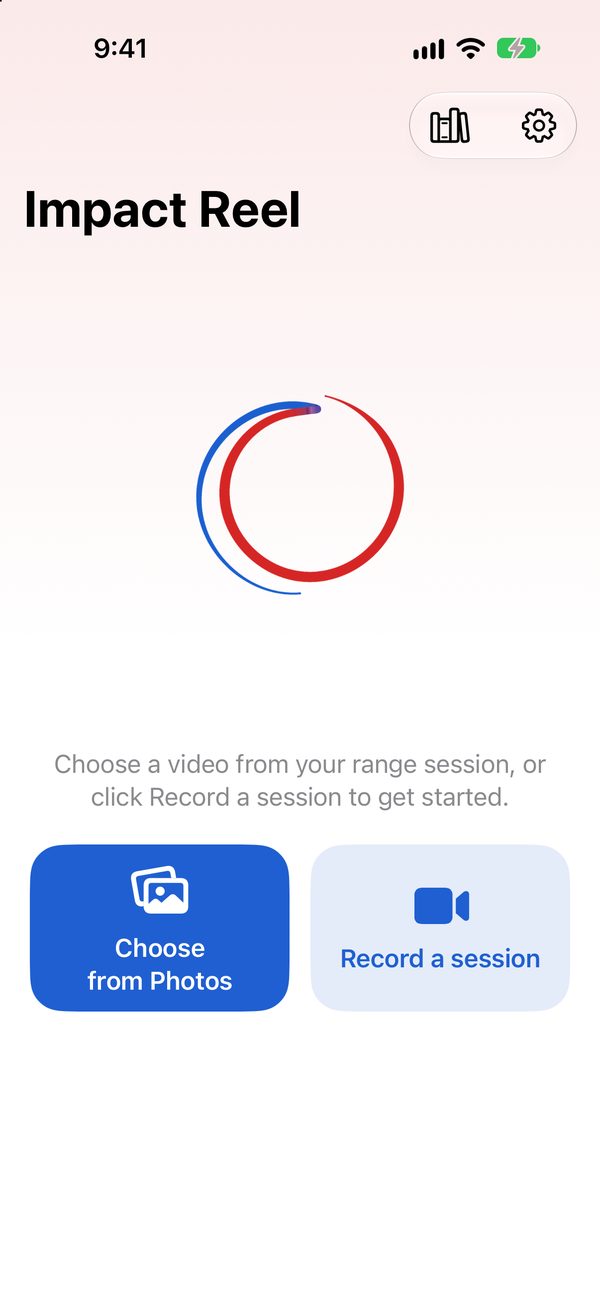
Choose the video
Pick the student's range video from Photos, or film the lesson with Record a session.
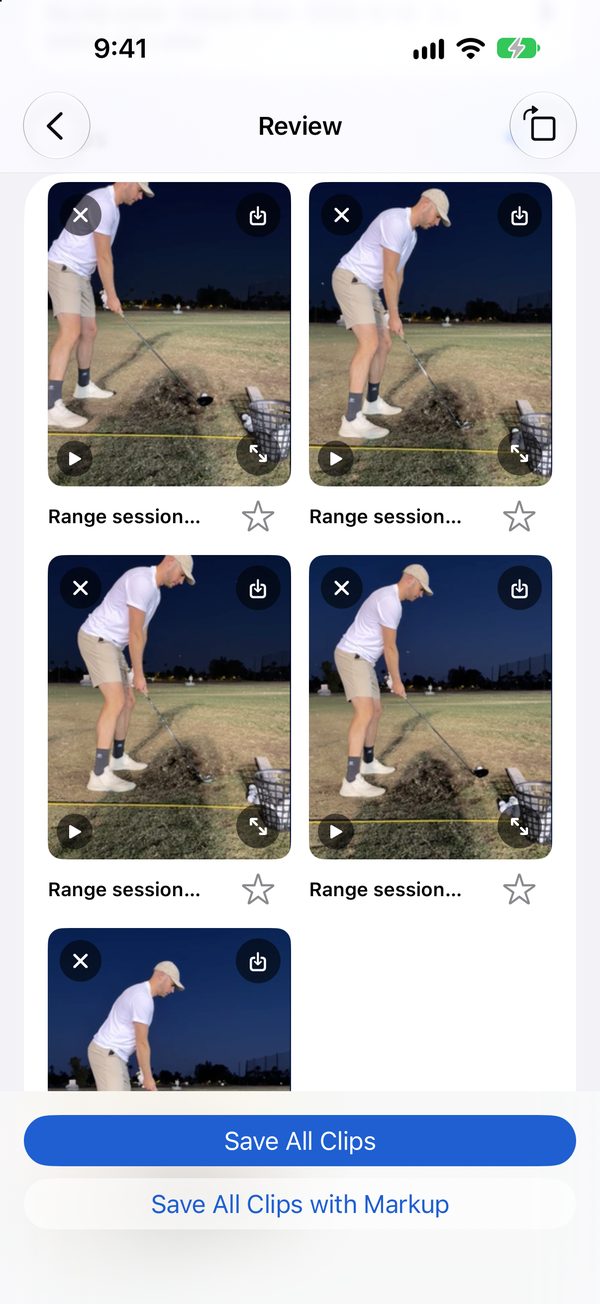
Open the swing
Impact Reel cuts one clip per swing. Tap the one you want to talk about.
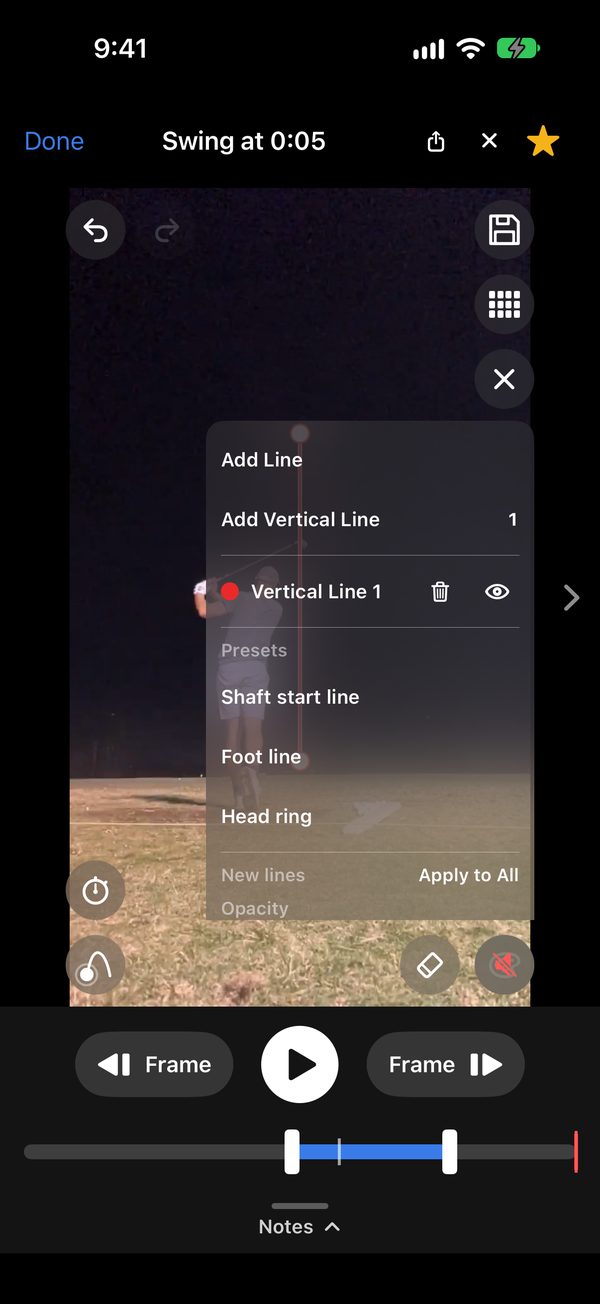
Draw the lines
Shaft start line, foot line, head ring, a vertical line, or lines of your own.
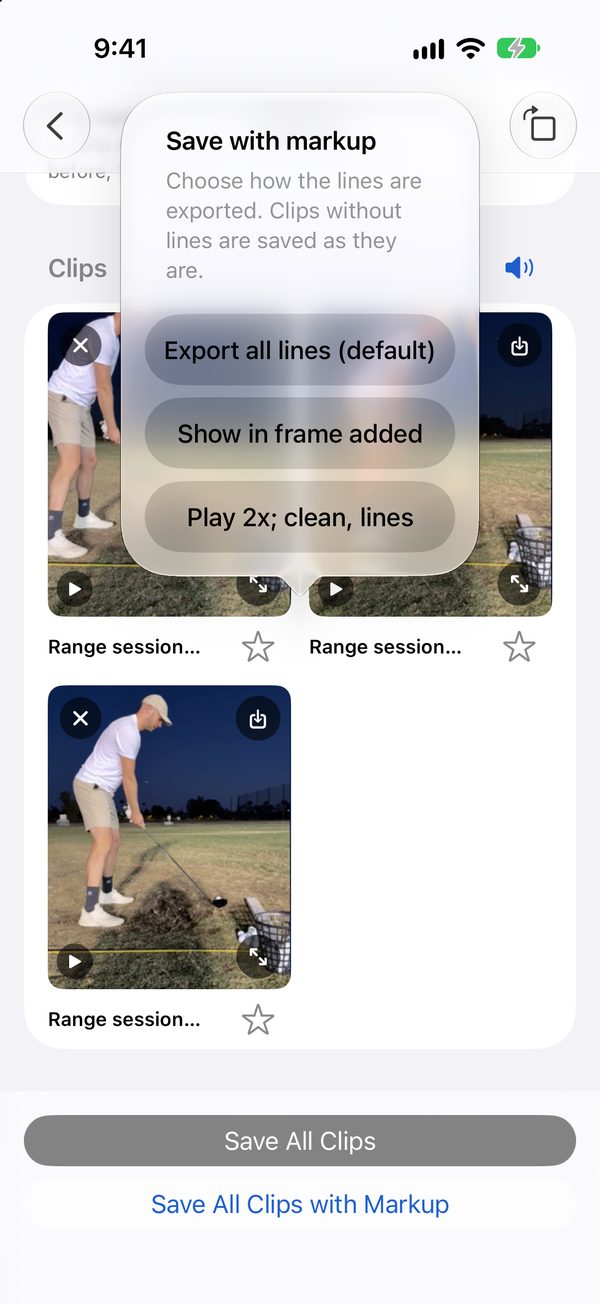
Save with the lines
Save the clip with your markup in it, or as a replay that plays clean and then again with the lines.
Send it
Share the clip straight from the player, or send it from Photos by message or email. Your student needs nothing installed to watch it.


Between lessons
Keep the lesson going after they leave the tee
Students film their own range sessions (send them our guide, How to film your golf swing with an iPhone) and text you the swing they are unsure about. You send it back marked up. Nobody signs up for anything, and Impact Reel never sees the video.
Try it free
Teach golf? Your copy is on us.
Email us and we will send you a free copy.
Email austin@cowboycapital.net
What we ask in return: if it helps your teaching, tell your students. That is all.
Mark it up. Send it.
$9.99 once. No subscription. No account.